Preview any image as an iOS depth-effect wallpaper.
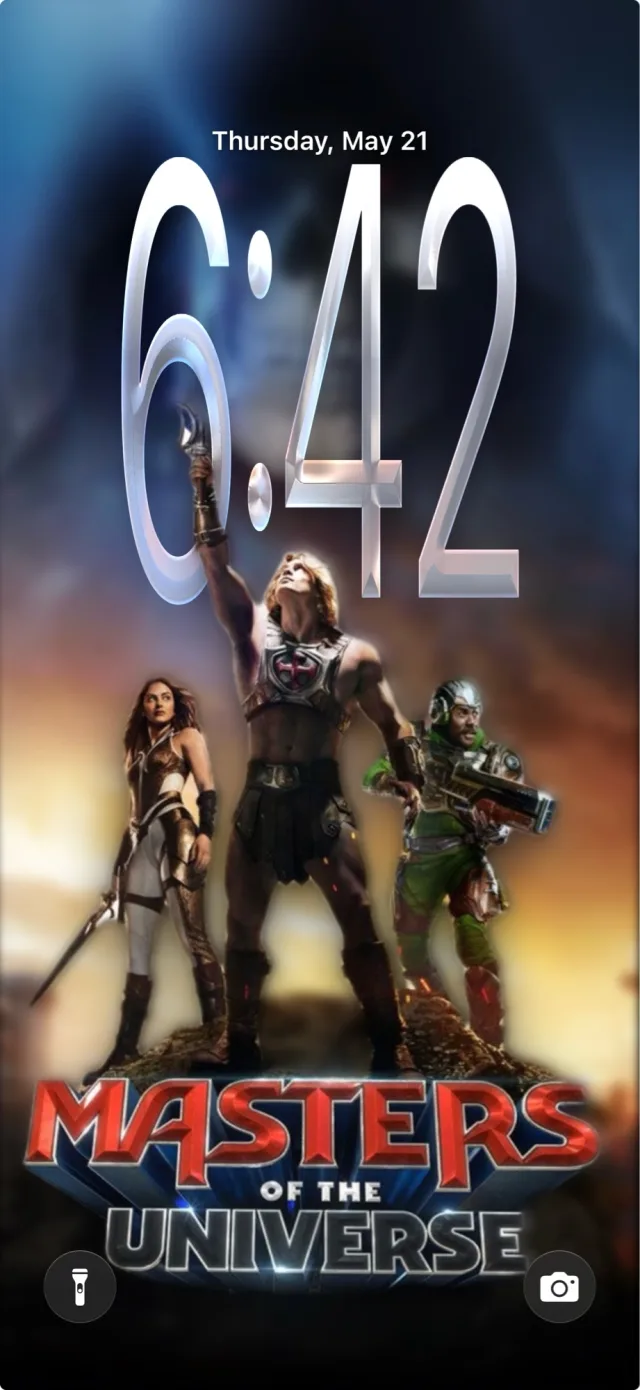
Depthlock lifts the subject out of any photo using the same on-device Vision API iOS uses, drops it over a mock lock screen with auto-framing and spatial tilt, and lets you clean up distracting text or objects with on-device AI — before you ever set the wallpaper.

See it in action
What it does
Bring any source
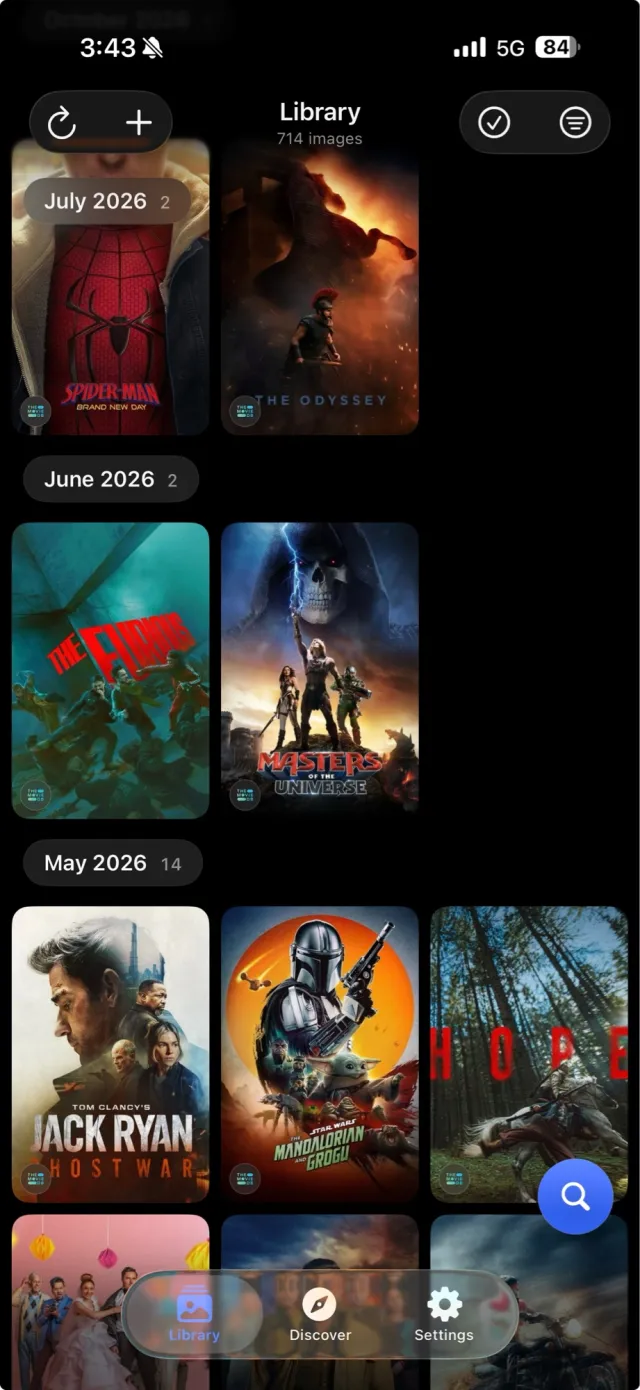
Photos albums, on-device folders, Google Drive folders, TMDB movie posters, or a bundled sample set — combine multiple sources into one library.

Real lock-screen preview
On-device Vision isolates the subject and auto-frames it behind the clock numerals. Tilt the device to see the same spatial-scene parallax iOS applies.
AI cleanup, on-device
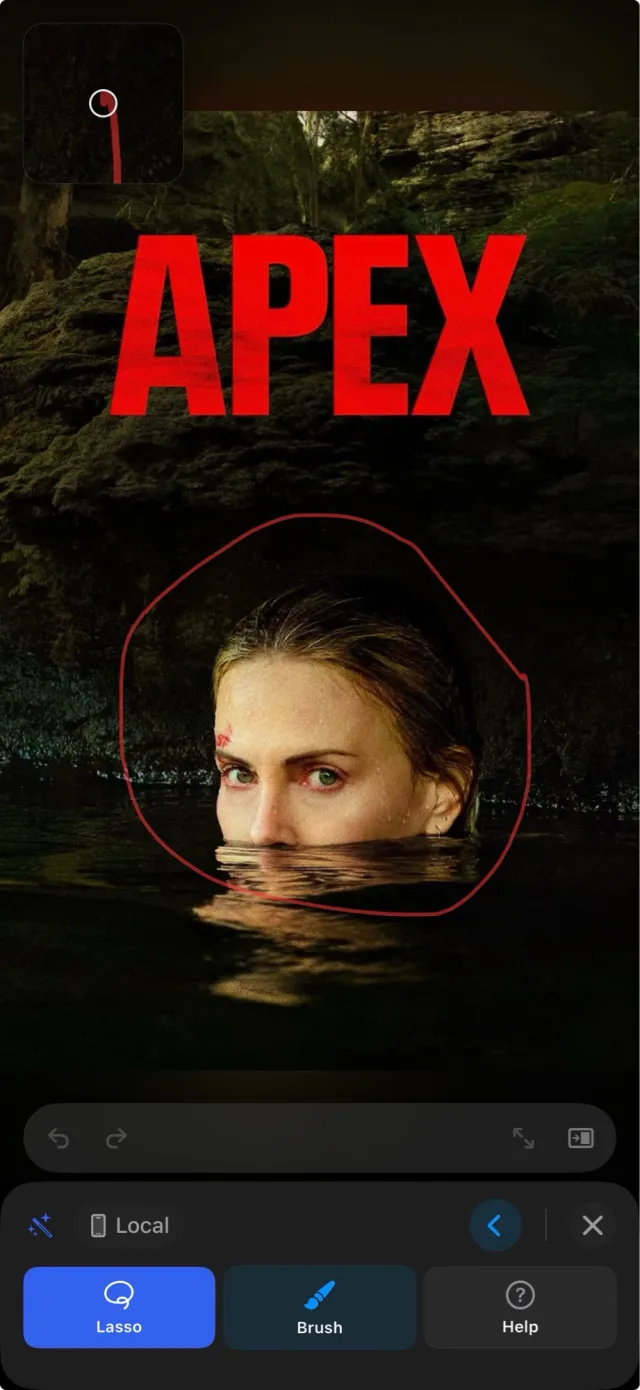
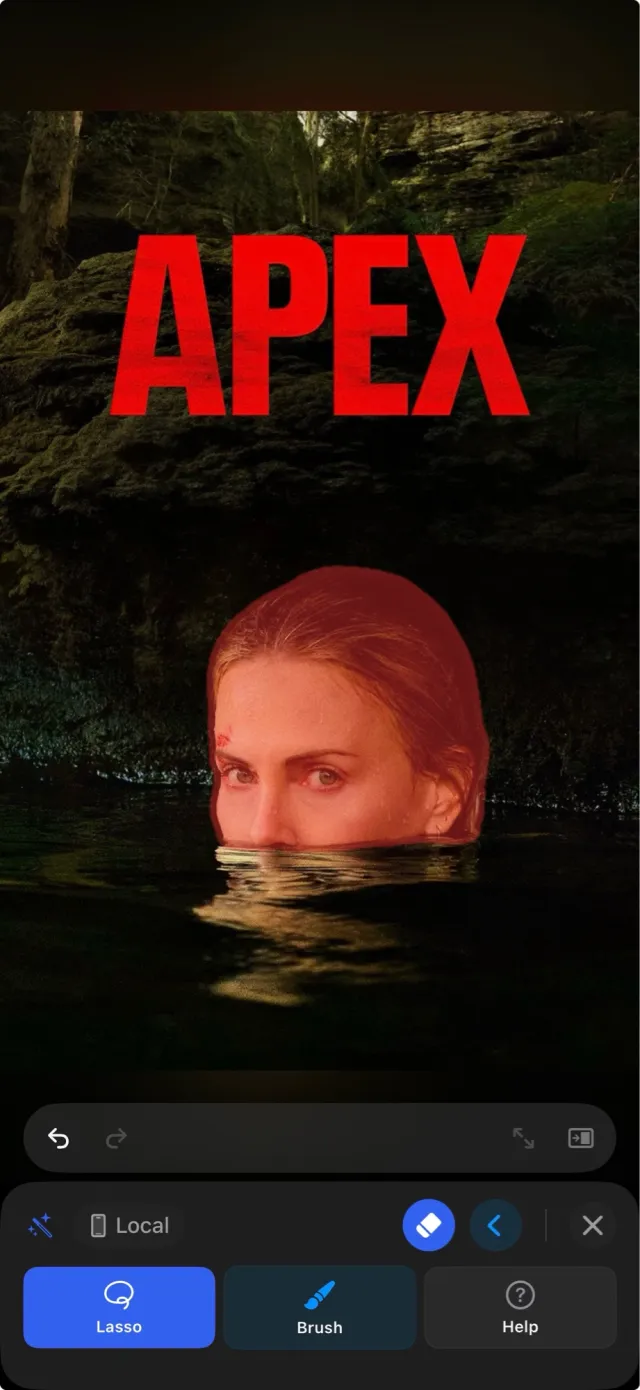
Erase text, objects, or the subject with the bundled LaMa inpainting model — no key, no network, no account. Brush or lasso the area, pinch to zoom in for detail, tap Erase to compose passes.
Prompt-driven cleanup (optional)
Bring your own Gemini or OpenAI API key for prompt-driven edits when you want more than mask-based inpainting. Keys stay in iCloud Keychain; nothing transits our servers.
Discover & Favorites
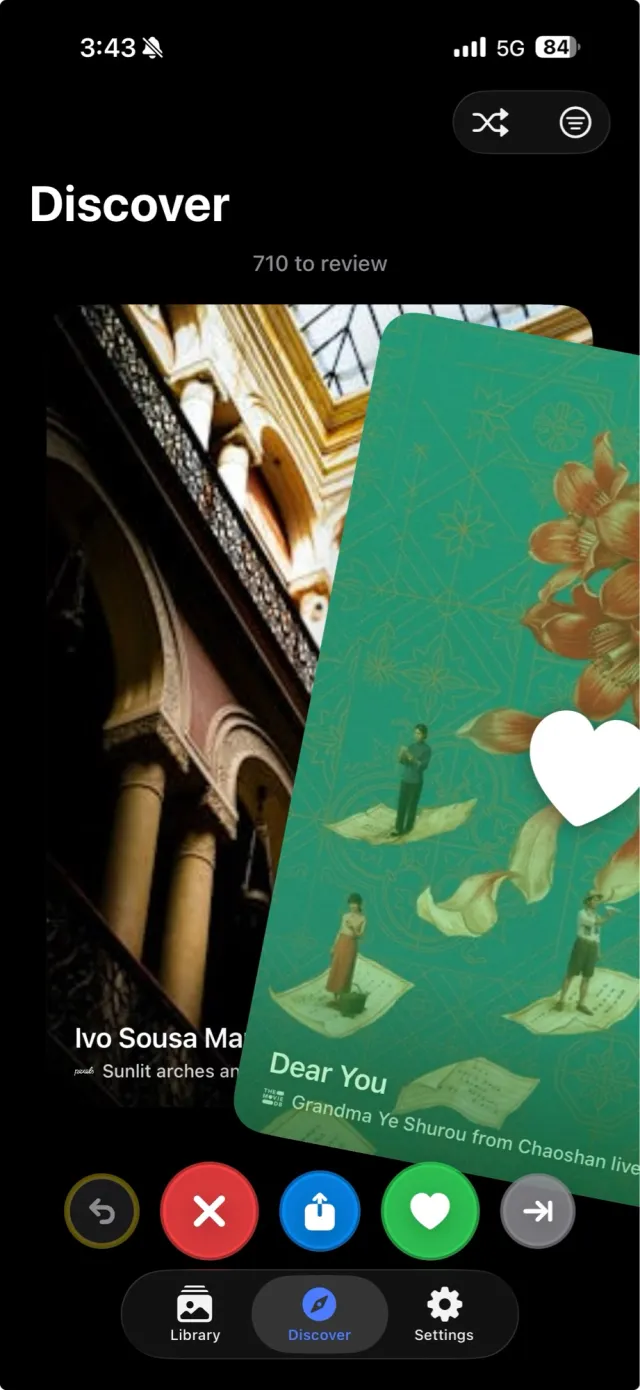
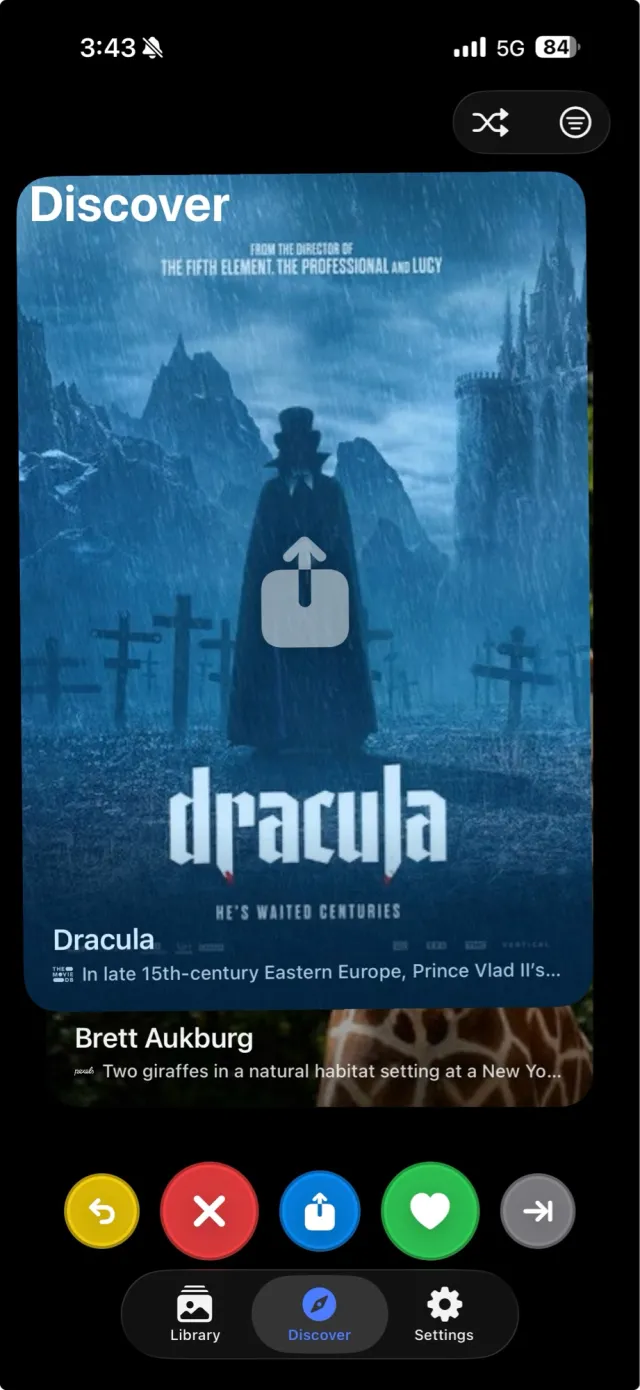
Swipe through a randomized stream of wallpapers from your active sources, favorite the ones you love, and they follow you across devices via iCloud.
One-tap set
Install the prebuilt "Set Wallpaper" Shortcut once and it joins the share sheet from any preview — tap to hand the image straight to iOS's wallpaper picker.
Privacy at a glance
- No accounts and no servers. The app talks directly to Google, TMDB, and your own files. The developer never sees anything.
- Credentials stay on the device. Google Drive tokens, Gemini and OpenAI API keys, and TMDB tokens live in your iOS Keychain. When iCloud Keychain is on, they sync via Apple's encrypted channel — never through us.
- iCloud sync is Apple-to-Apple. Preferences, favorites, and active cleanup choices ride iCloud Key-Value Store and CloudKit's private database. Cleanup image bytes stay device-local — only the pointer to "which result you chose" syncs.
- No third-party analytics or tracking SDKs — see the Privacy Policy for the full breakdown.